
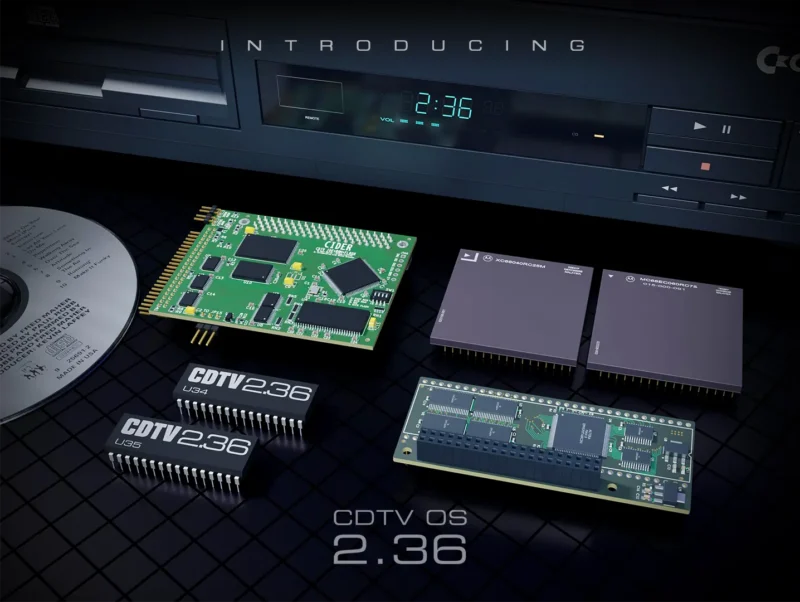
CDTV OS 2.36 is the second update by CDTV Land of the operating system ROM for Commodore’s 1991 CDTV player CD1000, and its related CD-ROM drives A570 and A690. It focuses on compatibility and reliability featuring PiStorm/Emu68 support, 68040/68060 support, improved booting procedure, and substantial improvements to CD hardware communication. It will be available free of charge to all CDTV users from November 6th.
CDTV OS is the software in the Extended ROMs in your CDTV player or A570/A690 CD-ROM drive. It works alongside the Amiga Kickstart ROM and is the component that provides all necessary drivers, libraries and applications to make your system behave like CDTV.
With the previous release of CDTV OS 2.35, we laid the groundwork for giving CDTV a new lease on life. Support for 68030 CPUs and 32-bit memory gave more upgrade options to a machine now more than 35 years old, that the original makers never envisaged. CDTV OS 2.36 builds on those foundations, extending support to even faster and modern hardware, and improving the reliability of the features that make your machine CDTV. Let’s have a closer look at what’s new in CDTV OS 2.36!
A Storm is Coming
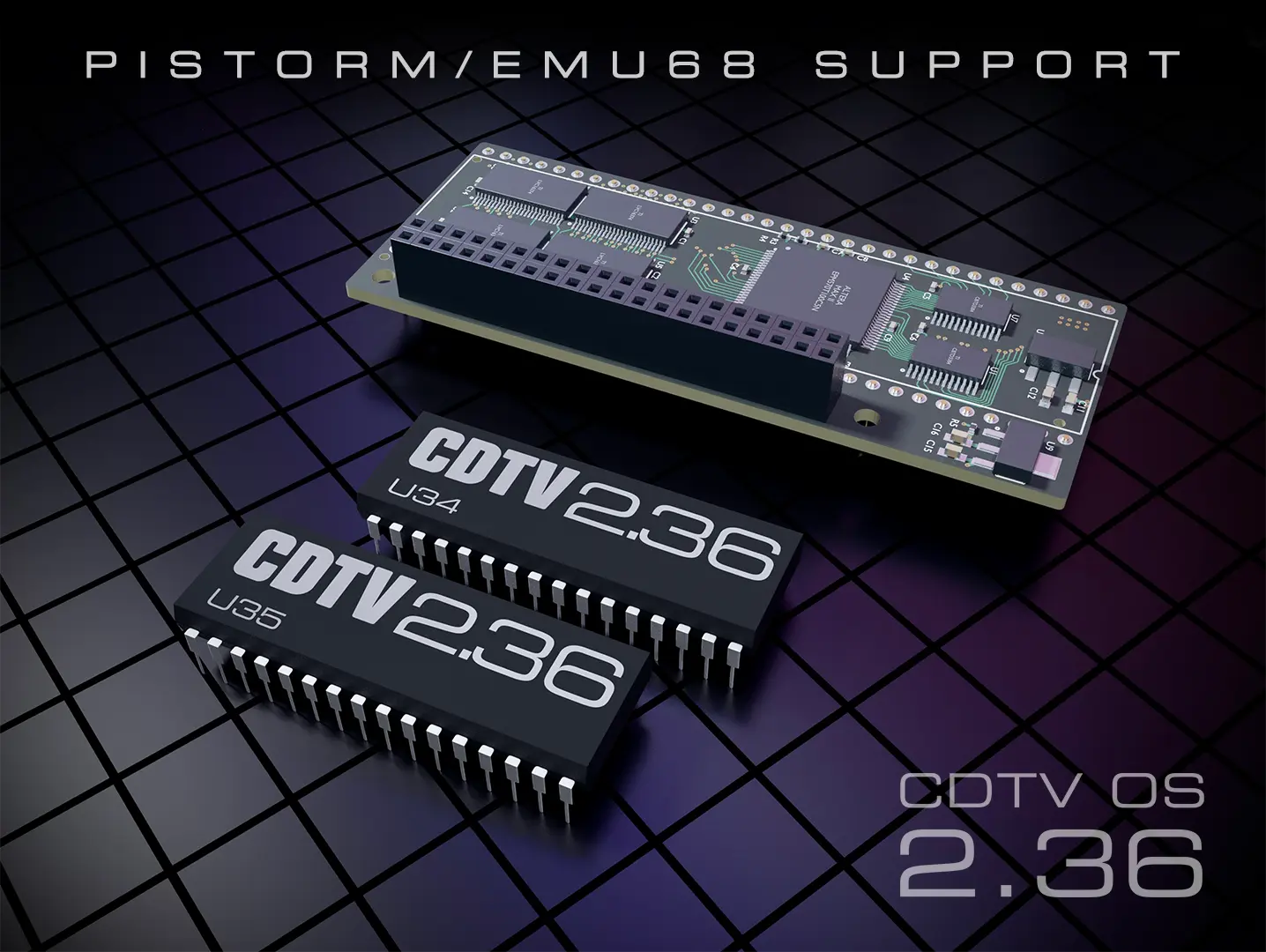
PiStorm/Emu68 support is the headline feature of CDTV OS 2.36. There’s no denying that PiStorm has had a significant impact on the Amiga, and CDTV OS 2.36 finally brings CDTV into the PiStorm era. It adds a substantial increase in processor speed, hundreds of megabytes of memory, Wi-Fi and HDMI, all in one very affordable package, opening up possibilities far beyond the original hardware. With CDTV OS 2.36 you can now install a PiStorm in your CD1000 and have a fully functional CD-ROM drive. Have an A500 with an A570? That will work too!
On an appropriately configured PiStorm/Emu68 system[1], you can access the drive from Workbench or the CLI, boot classic CDTV titles[2] and play audio CDs. Even CD+G playback will work! More speed, while keeping the features that make your machine a CDTV. Good times!
No CPU Left Behind
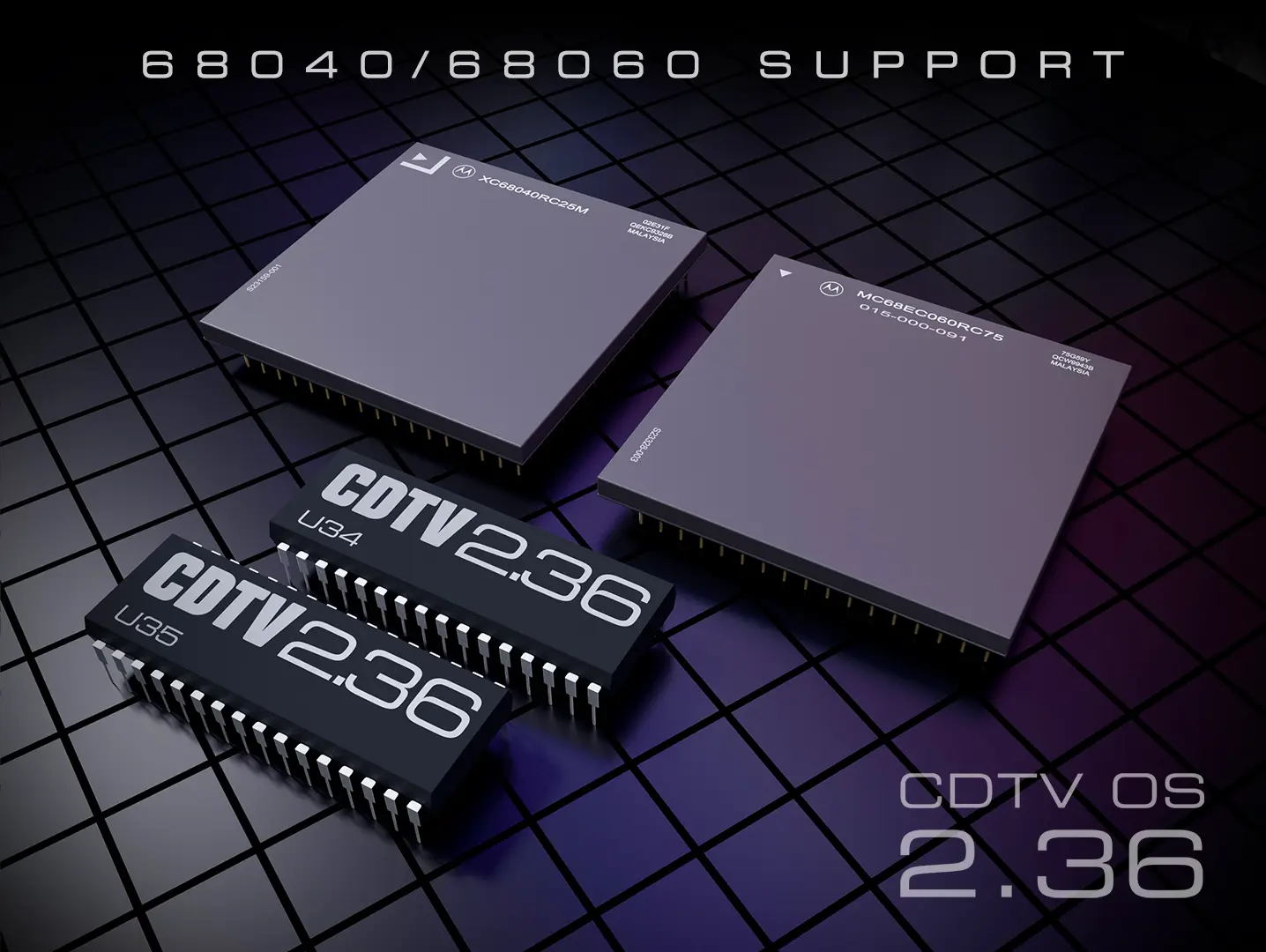
CDTV OS 2.35 gave us 68020 and 68030 support. CDTV OS 2.36 extends processor support beyond that to include the 68040 and 68060! A CPU detection bug that could cause these systems to enter an endless reboot loop has been fixed, and the release adds the cache handling needed for communication with the original CDTV hardware. Cache handling for 68020 has also been added to improve compatibility with the CDTV hardware.
Together with the timing improvements described further down below, these changes give CDTV owners more options for accelerating their systems than ever before. Whether you’re a 68000 purist or a PiStorm speed freak, CDTV OS 2.36 has got you covered.
Autoboot for all
For CDTV power users, getting some hard disks to boot automatically has long been a source of frustration. CDTV OS 2.35 brought some relief with the Escape key, which lets you leave the CDTV title screen and continue booting from devices the CDTV bootstrap had not detected.
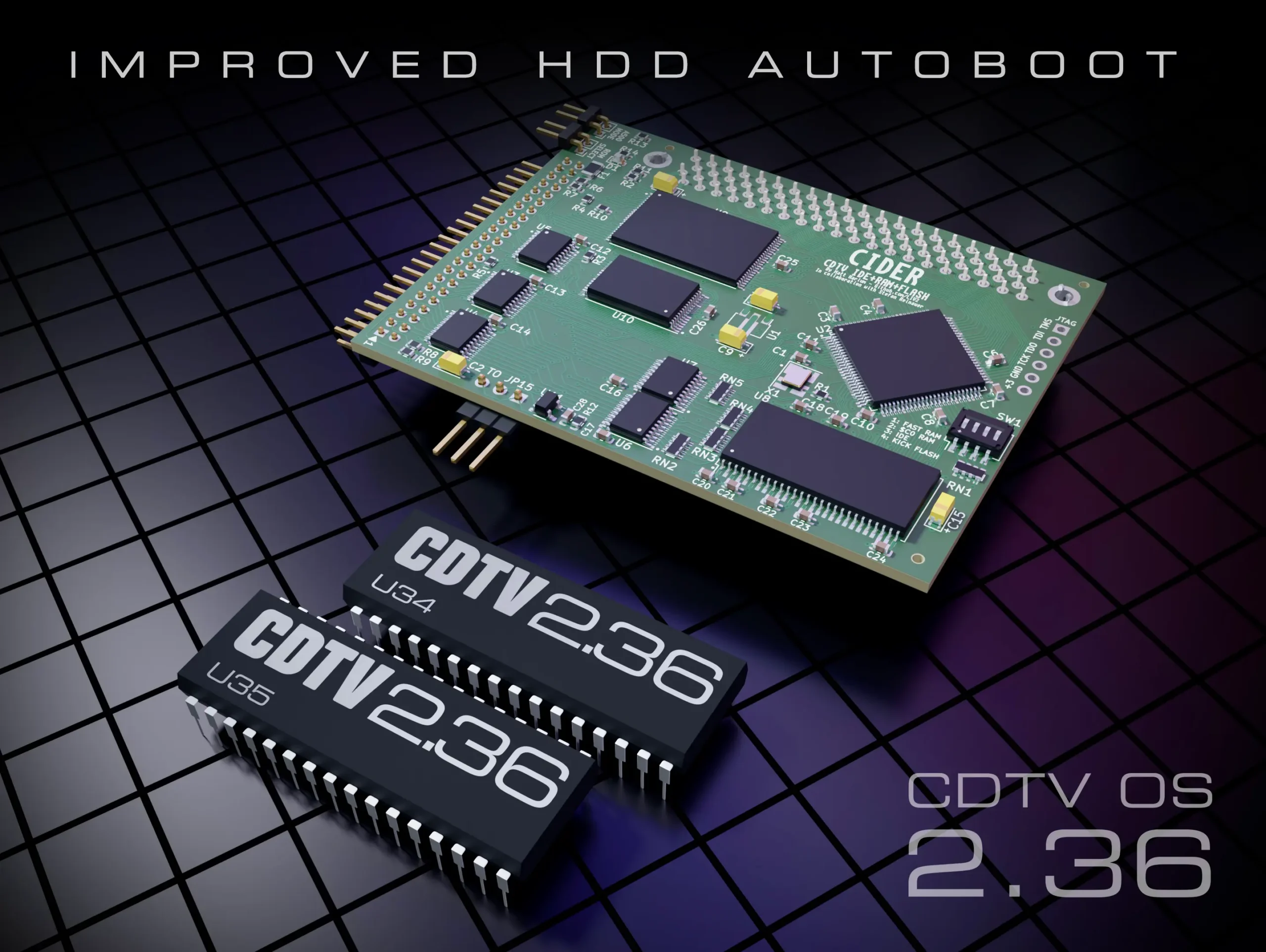
CDTV OS 2.36 fundamentally improves the boot sequence itself. AutoConfig hard disk devices whose drivers are not built into the CDTV OS ROM can now initialise before the system selects a boot device. This allows CDTV OS to detect and automatically boot from storage that required leaving the title screen manually on 2.35 (and was even entirely impossible on the original Commodore ROMs).
So, if you have one of those cool CIDER boards in your CD1000, or an oktagon.device based HDD controller in your A500 like the Spitfire 500, or even a uaehf.device based virtual HDD in WinUAE, know that these are now first class boot citizens in CDTV OS 2.36!
CD+G gets up to speed
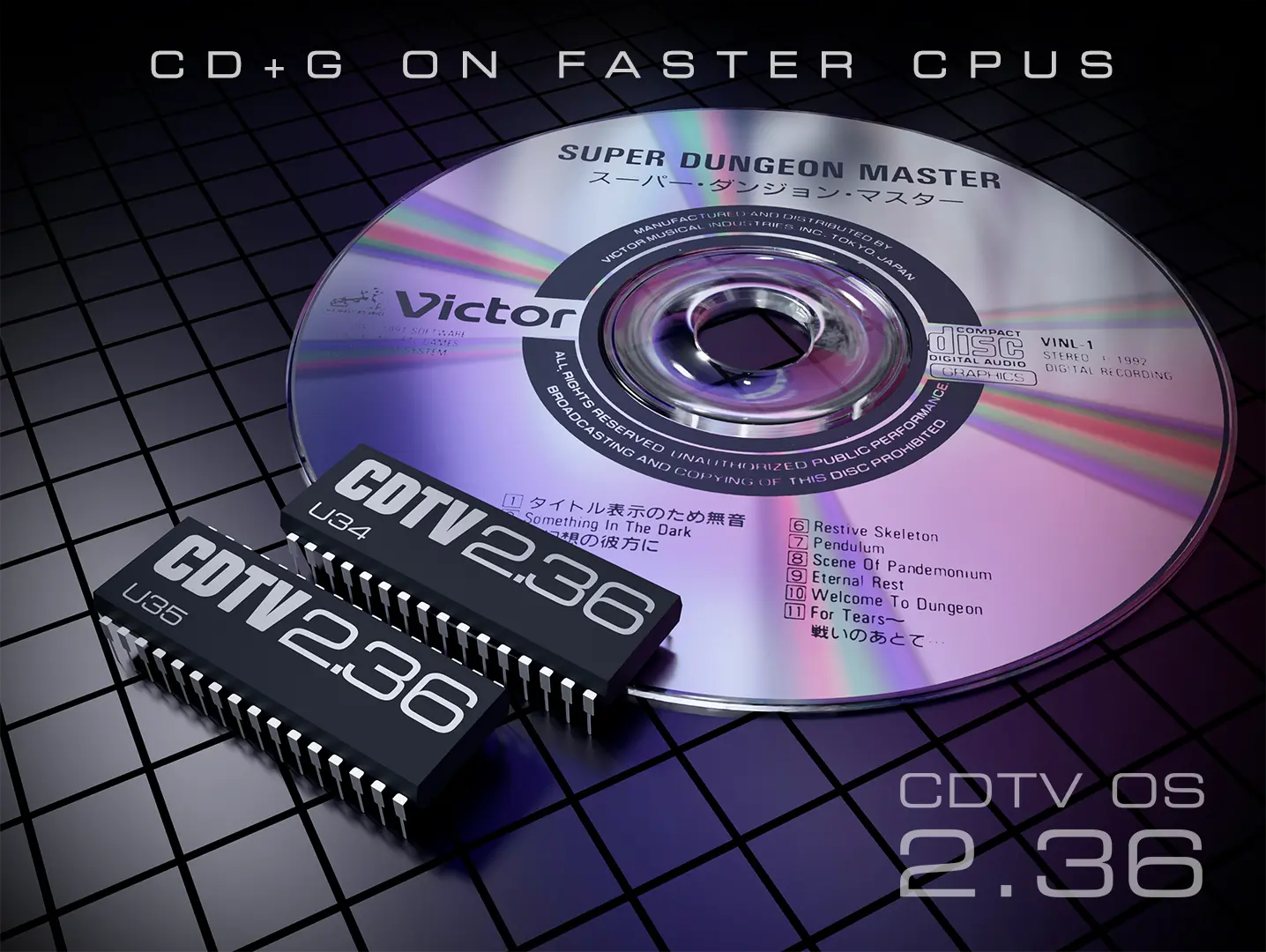
CD+G discs combine audio with graphics, from karaoke lyrics to interesting visuals accompanying the music. CDTV is one of the few hardware platforms that supports this very obscure standard, and keeping CD+G playback working on accelerated systems required particular attention in CDTV OS 2.36. Due to the way that the cdg.library in the ROM was originally programmed by Commodore, fast CPUs could race through the original timing routines before the CDTV hardware was ready, causing CD+G playback to be very unreliable or fail altogether depending on the speed of the CPU.
CDTV OS 2.36 replaces those processor dependent delays with hardware based timing and improves communication with the CD-ROM drive interface. It also fixes a regression introduced in 2.35, restoring CD+G playback on A500/A570 systems with only 512 KB of Chip RAM.
The CD+G library code in the ROM received some of the most extensive work in this release with many hours spent on probing the hardware and running custom diagnostic tests. An incredibly time consuming process, but the result supports a central goal of CDTV Land’s OS updates: giving you more freedom to upgrade while preserving the original CDTV features. Even the obscure ones. (Especially the obscure ones, because that’s how we roll)
Boot Menu Open for Business
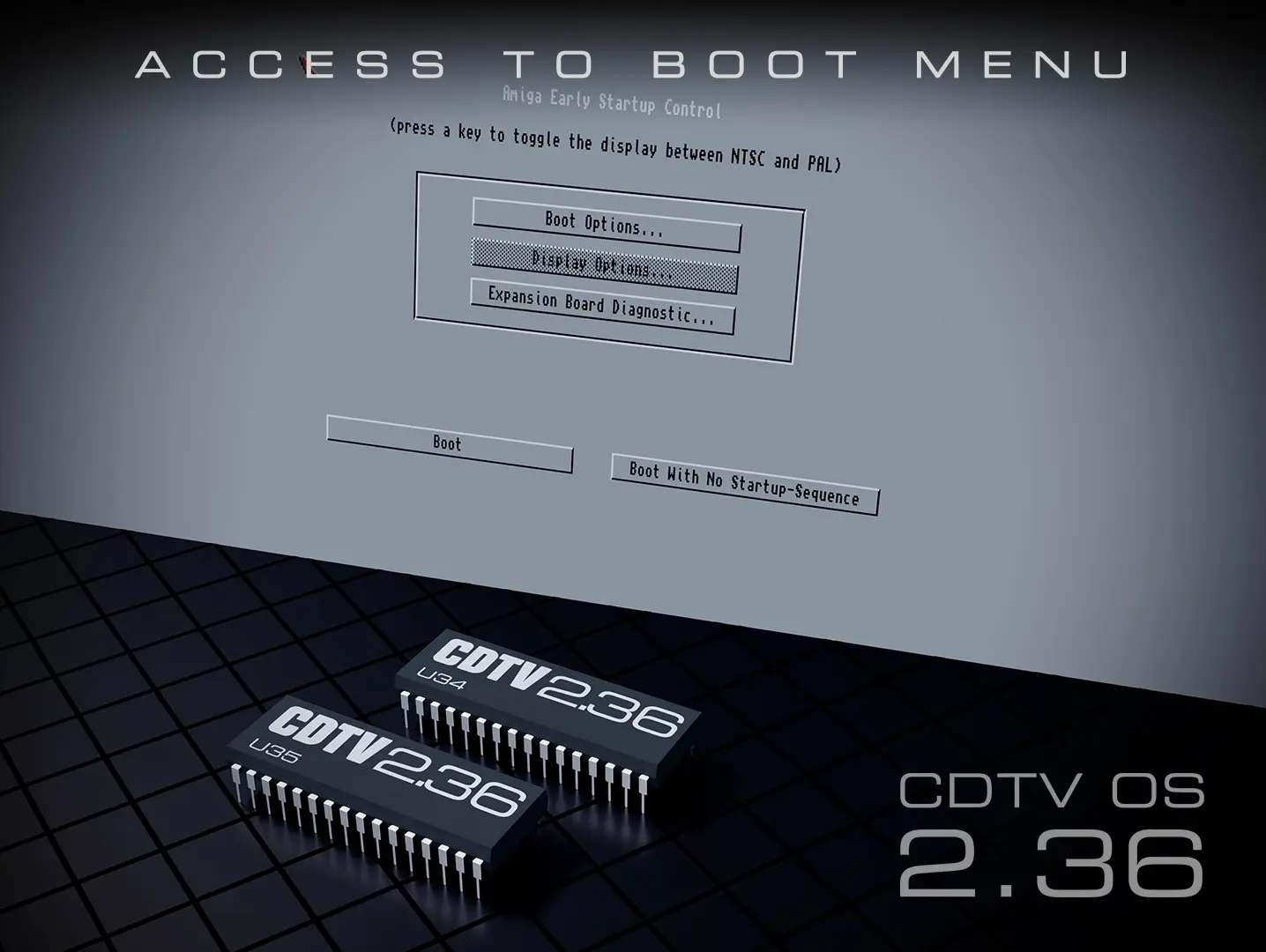
Starting with Kickstart 2.0, Commodore introduced a special boot menu, known as Amiga Early Startup Control, accessible by holding down both mouse buttons during startup. However, on systems equipped with CDTV OS ROMs, this menu was virtually inaccessible. Until now!
CDTV OS 2.36 restores access to the Early Startup Control menu on CDTV systems. On power up, simply hold down the A and B buttons on your CDTV remote controller, or both mouse buttons if you have a mouse connected, and the familiar boot menu will appear, just as it does on other Amigas.[3]
The menu allows you to override default boot priorities, select or disable boot devices, and access other startup options. This is particularly useful when you have multiple bootable devices connected or need to select a different drive for troubleshooting.
Most fundamental update yet
Adding support for faster processors meant revisiting how the CDTV OS ROM’s code talks to its original hardware. Some routines assumed that the CPU would take a certain amount of time to execute instructions. On much faster processors than the stock 68000, the code could move on before the CDTV drive or its controller was ready.
CDTV OS 2.36 replaces key processor-dependent delays with hardware based timing and corrects hardware communication issues in the CD-ROM driver and CD+G library. These routines now follow the pace of the CDTV hardware, making their operation independent of CPU speed. These speed related timing problems are solved for good. No matter how ridiculously fast CPUs get, now or in the future, the CD drive can keep working at its own pace, so a faster accelerator won’t mean having to solve the same old problems all over again.
Much of it happens under the hood and out of sight, but it is central to the release and is what makes most of the improved support in CDTV OS 2.36 possible, which is why it deserves a special mention. It’s a stronger foundation for keeping the original CDTV features working across a wider range of upgrades, now and in the future.
Bugfixes
Besides the hardware support and timing improvements, 2.36 also addresses several minor bugs. A bug in the kludges module could waste approximately 2 MB of memory when booting from CD on some configurations due to a memory leak. Another fix changes how the disc title is read into memory, avoiding an unsafe transfer that could corrupt memory on systems with 32-bit RAM. Other corrections include properly freeing memory after an internal startup failure. These are the kinds of improvements you may never notice directly, but they help make CDTV use more reliable!
Also for A570/A690
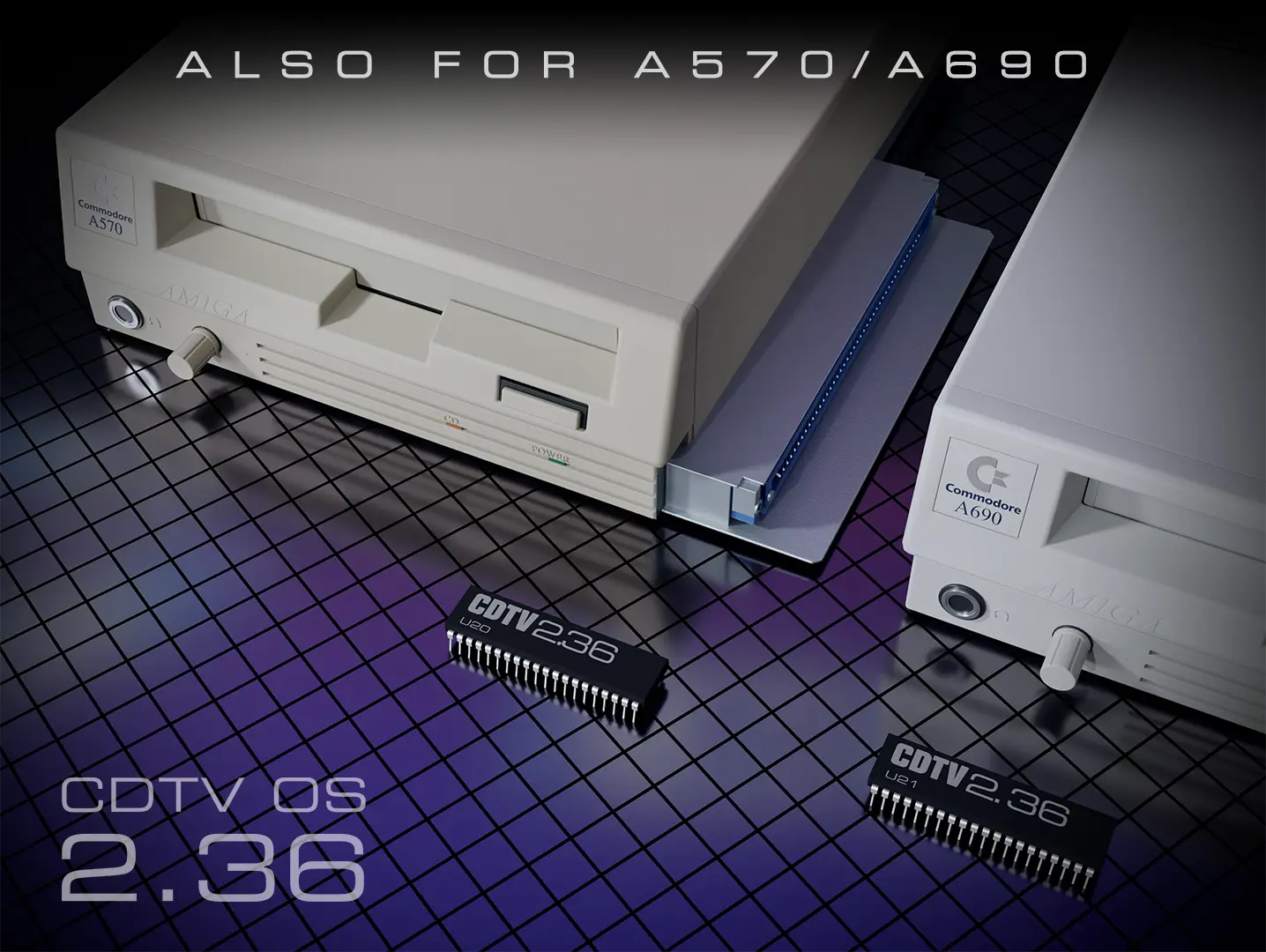
As promised, CDTV Land continues to support the A570 and A690 CD-ROM drives. Dedicated builds of CDTV OS 2.36 will be available alongside the CD1000 build. A special memory card build of 2.36 will be available for CD1401/CD1405 and compatible implementations, in 2027.
Getting CDTV OS 2.36
CDTV OS 2.36 is planned for release on November 6, 2026, free of charge as a patch, following the distribution approach used for 2.35.
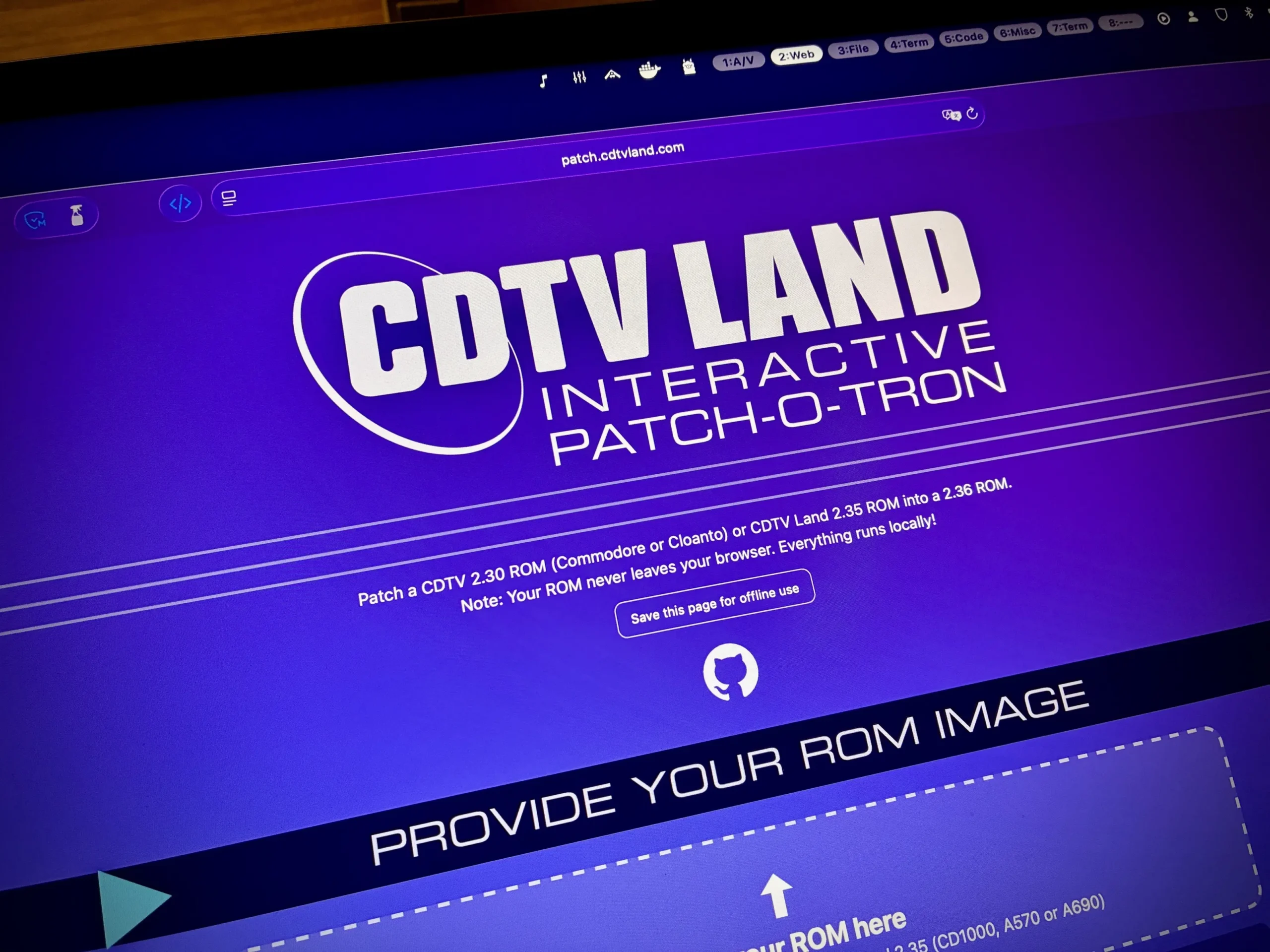
However, preparing your updated ROM images will be easier this time around. The new CDTV Land Interactive Patch-o-Tron is a browser-based patching application that also supports offline use. It replaces the Docker container required for 2.35, simplifying the process of creating your 2.36 ROM images.
Mission Statement
Before we sign off, a small note on what we do and why. CDTV Land’s mission is to keep CDTV alive and useful in the 21st century, while staying true to its identity. That means building on its identity as a living room multimedia appliance, making full use of its unique hardware and exploring the potential that Commodore left unrealised. It also means keeping these machines alive and useful today, welcoming modern hardware and upgrades while preserving the features and character that make them CDTV.
But, simultaneously, there is no reason to hide its Amiga roots either. Improvements such as the HDD autoboot and Early Startup Control access in 2.36 make CDTV more capable as an Amiga, and that’s welcome when it also makes it a better CDTV. But turning it into just another Amiga is never the goal here. The aim is to expand what CDTV can do while keeping what makes it distinctive.
And as ever, all the work is done by enthousiasts without financial compensation. CDTV OS 2.36 is free. No payment needed, no donations accepted. Made with love, not for profit. Our gift to you. Enjoy and keep those systems running!
Notes and Acknowledgments
- PiStorm requires a suitable hardware, firmware and software setup. The release documentation will explain supported configurations and known limitations, including issues affecting some CDTV SCSI expansions. Owners using CaffeineOS should also review the compatibility guide for required setup changes. ↩
- CDTV title compatibility also depends on how the actual title was programmed. ↩
- The available options depend on your Kickstart version. CDTV OS 2.36 doesn’t introduce a new boot menu. It simply makes the existing Kickstart functionality accessible on CDTV systems. ↩